|
This utility is not for routine use. Only use this utility under advisement from NDS Technical Support. Always back up your system before running this utility. |
Update Mortgage from Real Estate
Use the special Update Mortgage from Real Estate utility to change the mortgage-related field values in TAXMAST2 (Mortgage Holder Master File) so that they match the values in the Real Estate Master file in the Assessing module. The updated fields include Mortgage Holder Code, Mortgage Number, Mortgage Book Number and Mortgage Page Number.
Note: To see information about manually maintaining the mortgage fields, see Tax Master Maintenance - Mortgage Tab.
|
This utility is not for routine use. Only use this utility under advisement from NDS Technical Support. Always back up your system before running this utility. |
To see instructions for opening the Update Mortgage from Real Estate utility, click More.
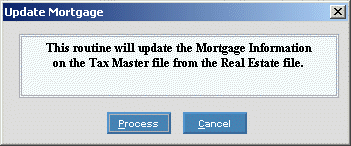
At the Update Mortgage from Real Estate prompt window, choose the selections. To see the prompt options, click More.
Example:
|
Update Mortgage from Real Estate Prompt Options | |
|
|
To run the utility, click Process or press [ENTER] if the button is in focus. Keyboard shortcut: [ALT + p] |
|
|
To escape from the routine, click Cancel. Keyboard shortcut: [ALT + c] |
To see completion instructions, click More.
At the completion window, click
OK
to close the program.
Example: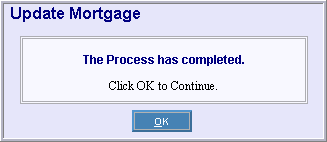
 CAUTION
