|
This utility is not for routine use. Only use this utility under advisement from NDS Technical Support. Always back up your system before running this utility. |
Clear Account Numbers
Use the special Clear Account Numbers utility to clear the Tax Account Numbers in the Assessing module Real Estate Master file for Tax Billing Tax Accounts with a zero balance. This utility does not affect Personal Property Master information in the Assessing module.
|
This utility is not for routine use. Only use this utility under advisement from NDS Technical Support. Always back up your system before running this utility. |
To see instructions for opening the Clear Account Numbers program, click More.
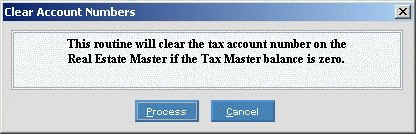
At the Clear Account Numbers prompt window, choose the selections. To see the prompt options, click More.
Example:
|
Clear Account Numbers Prompt Options | |
|
|
To run the utility, click Process or press [ENTER] if the button is in focus. Keyboard shortcut: [ALT + p] |
|
|
To escape from the routine, click Cancel. Keyboard shortcut: [ALT + c] |
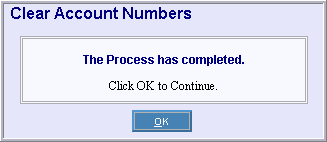
At the completion window, click OK to close the program. To see an example, click More.
Example:
 CAUTION
