 in the Notes Area.
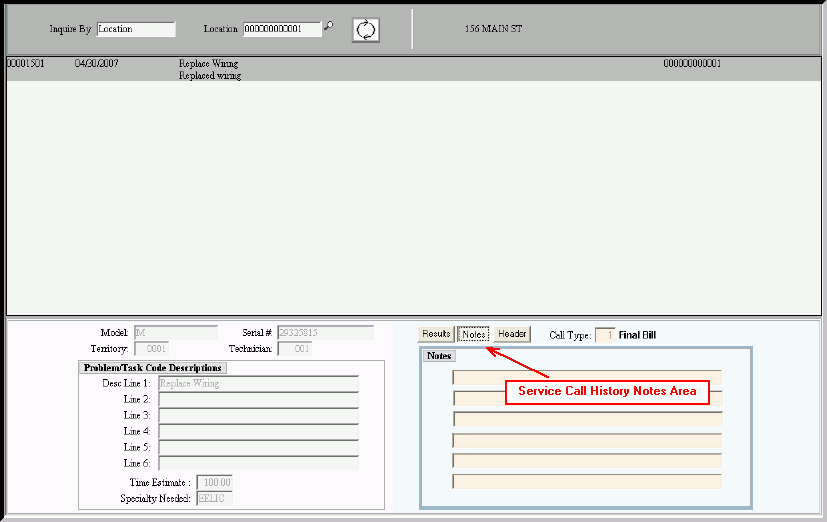
Service Call History Inquiry - Service Call History Notes Area
Use the Service Call History Notes Area to view the additional notes pertaining to a historical service call. The table following the window example describes the Service Call History Notes Area for the Service Call History Inquiry.
To display the Service Call History Notes Area:
1. Click Service Mgt from the Menu Bar.
2. Click History.
3. Click Service History Inquiry.
Tip: Or, use the keyboard shortcut: [ALT] [m] [h] [i].
4. Click Notes in the Notes Area.
Service Call History Inquiry - Service Call History Notes Area Example:
|
Service Call History Inquiry - Service Call History Notes Area Field Descriptions Tip: To see more information about a field, click the hyperlink for the field name. |
|
|
Displays the Call Type and the associated description. |
|
|
Notes Line 1 |
Displays the text for the first line of the miscellaneous notes pertaining to the customer service call. |
|
Notes Line 2 - 6 |
Displays additional lines of text for the notes pertaining to the service call, if applicable. |