Opening the Service History Inquiry, click More.
1. Click Service Mgt from the Menu Bar.
2. Click History.
3. Click Service History Inquiry.
Tip: Or, use the keyboard shortcut: [ALT] [m] [h] [i].
Service History Inquiry - Inquire By Selection Panel Example:
Inquiring by Customer, click More.
|
Service History Inquiry by Customer - Inquire By Selection Panel Prompts Tip: To see more information about a field, click the hyperlink for the field name. |
|
|
Inquire By |
To inquire by customer, click Customer in the drop-down list. Other Inquire By Option:
|
|
Service History Inquiry - Inquire By Customer Panel Example:
|
|
|
Entry Options:
|
|

 .
. .
.
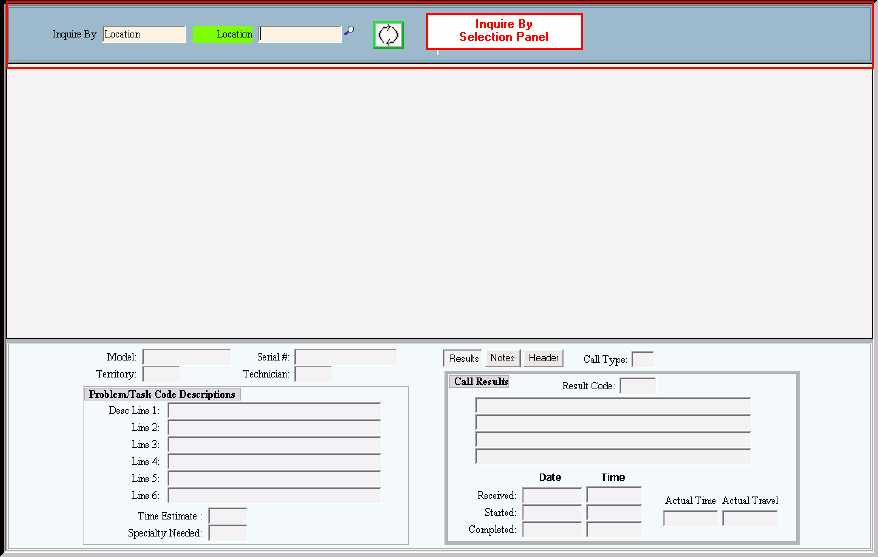
Inquiring by Location, click More.
|
Service History Inquiry by Location - Inquire By Selection Panel Prompts Tip: To see more information about a field, click the hyperlink for the field name. |
|
|
Inquire By |
To inquire by location, click Location in the drop-down list. Other Inquire By Options:
|
|
Note: The Inquire By Selection field labels change when you inquire by Location.
Customer Inquiry - Inquire By Location Panel Example:
|
|
|
Entry Options:
|
|
