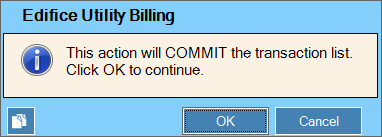
Note: At the Transaction Detail Window, when you are finished entering the receipt transactions or when the Current Total equals the Total Proof Amount (if the Proof Type option of the Application Options is set to Auto Distribution or Manual), the payment distribution for the customer is complete. The following message on the Status Bar alerts you:
Total amount distributed Commit list

To complete entering and to commit the transactions for the customer after all associated detail lines are entered, click Commit List.
Keyboard shortcut: [Alt +o]